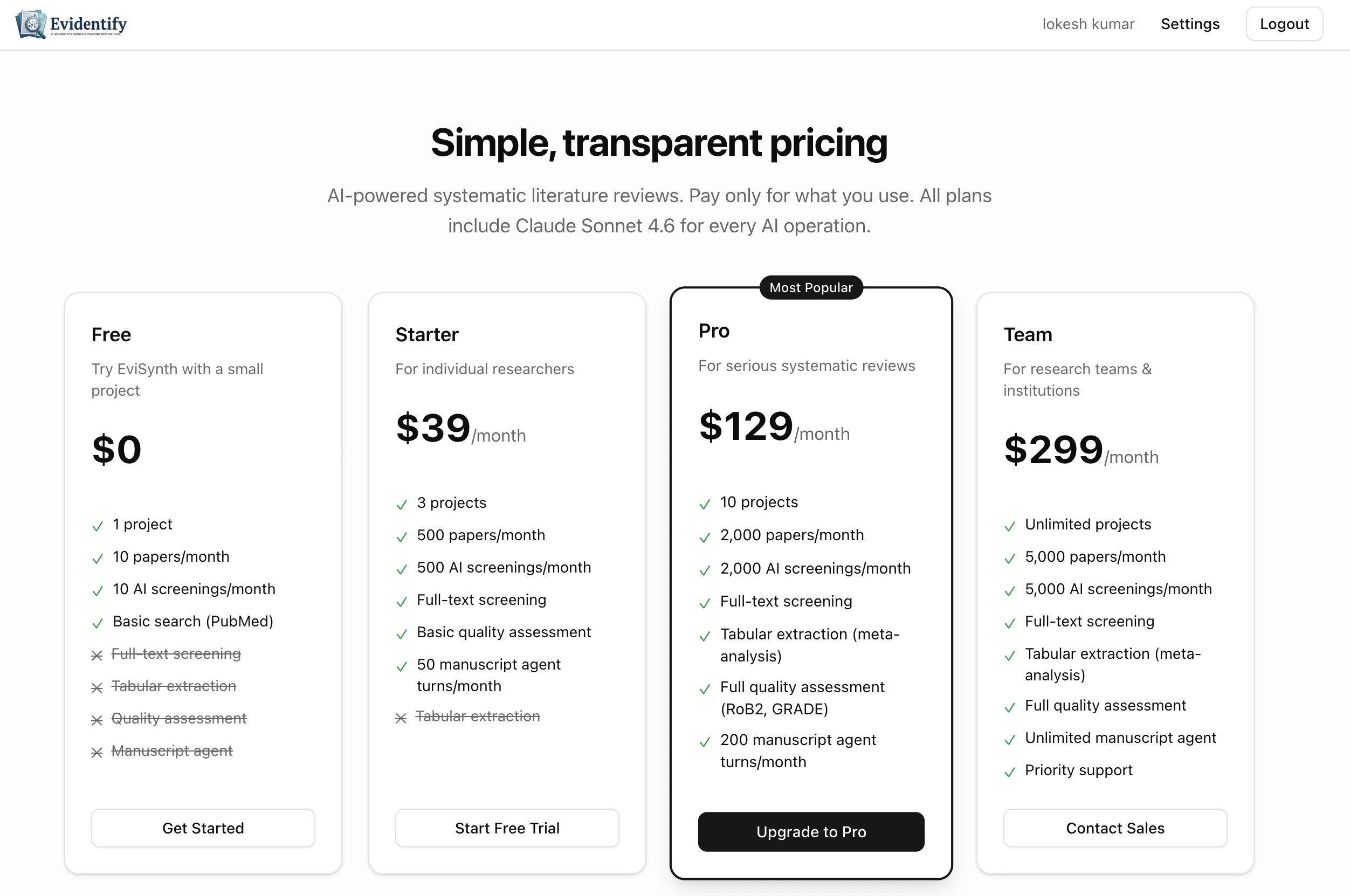
EviSyn offers a freemium model — start for free and upgrade as your review grows.
Plans Overview
| Feature | Free | Starter | Pro | Team |
|---|
| Price | $0/mo | $39/mo | $129/mo | $299/mo |
| Projects | 1 | 3 | 10 | Unlimited |
| Papers/month | 10 | 500 | 2,000 | 5,000 |
| AI Screenings/month | 10 | 500 | 2,000 | 5,000 |
| Full-text Screening | No | Yes | Yes | Yes |
| Manuscript Turns | N/A | 50 | 200 | Unlimited |
| Tabular Extraction | No | No | Yes | Yes |
| Quality Assessment | N/A | Basic | Full | Full |
The Free plan includes 1 project, 10 papers/month, and 10 AI screenings — enough to explore the full workflow end-to-end.
Managing Your Subscription
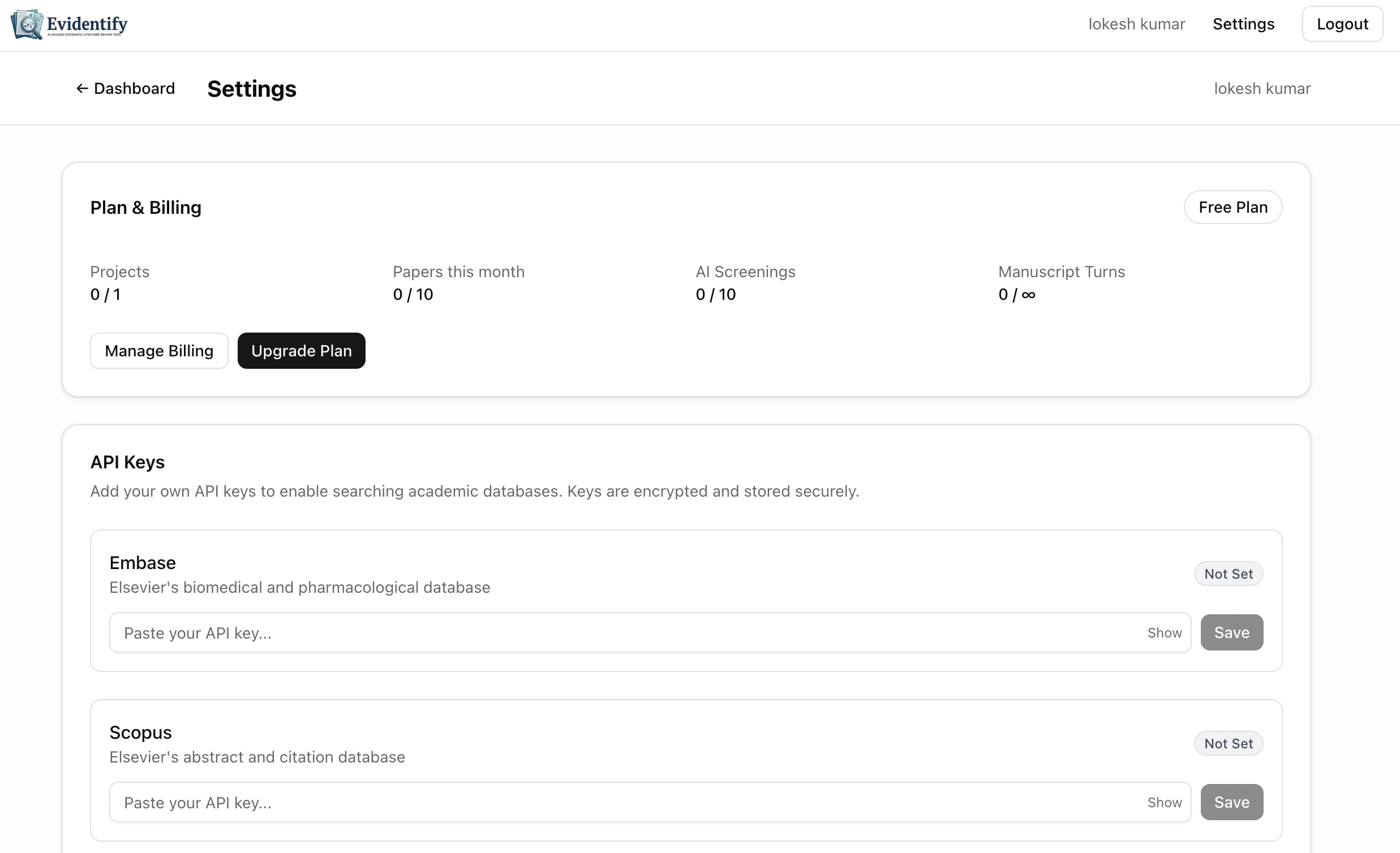
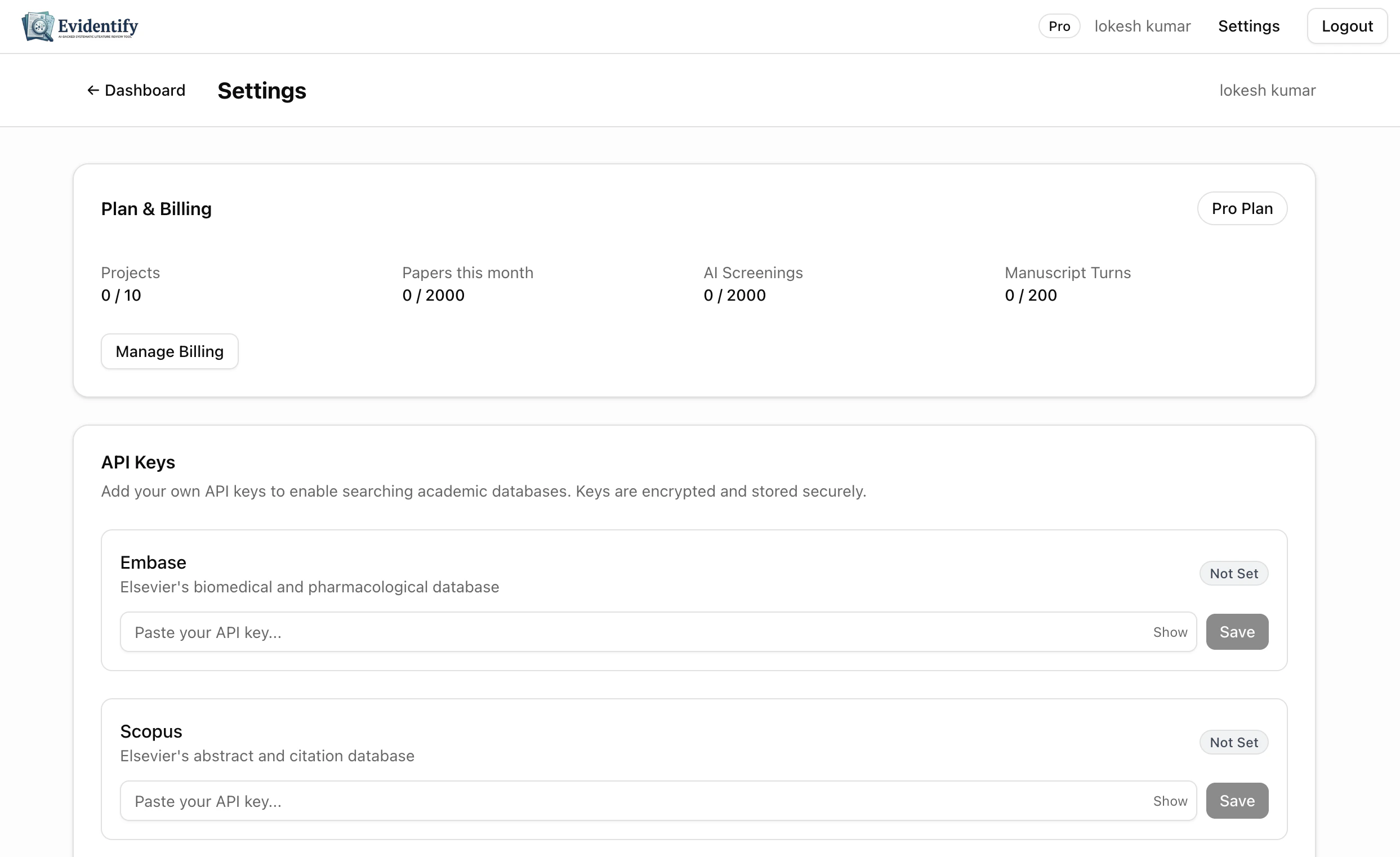
Navigate to Settings > Plan & Billing to view your current plan, usage, and upgrade options.
Usage Tracking
Your usage is tracked per calendar month. The settings page shows progress bars for each metric:
- Papers imported — Total papers added this month
- AI screenings — AI screening decisions used
- Full-text screenings — Full-text screening decisions used
- Manuscript turns — AI manuscript chat turns used
Upgrading Your Plan
- Go to Settings > Plan & Billing
- Click Upgrade Plan
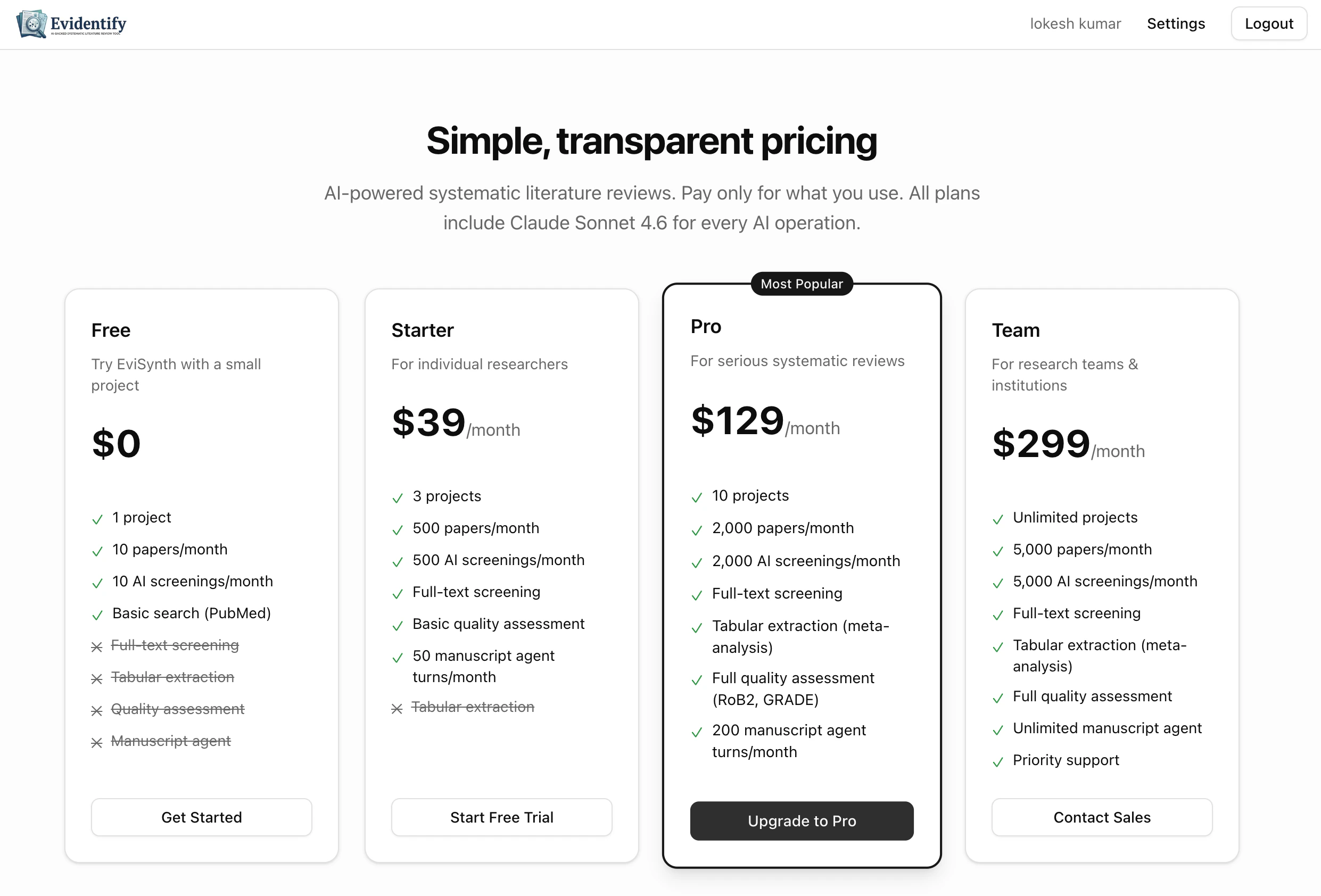
- Select your desired plan from the pricing page
- Complete payment through our secure checkout
- Your new plan is activated immediately
Downgrading or Cancelling
- Downgrade: Click Manage Billing in settings to switch to a lower plan. Changes take effect at the end of your current billing period.
- Cancel: Your subscription will remain active until the end of the billing period, then automatically downgrade to Free.
Downgrading may reduce your project and paper limits. Existing data is preserved, but you won’t be able to create new projects or import papers beyond your new plan’s limits.
What Happens When You Hit a Limit?
When you reach a usage limit (e.g., papers imported this month), EviSyn will show a prompt to upgrade your plan. Your existing work is never affected — you simply need to upgrade or wait for the next billing period to continue.
Plan Badge
Your current plan is shown as a badge in the top navigation bar. Click it to go directly to billing settings.